
Key Takeaways
North American Charging Standard
Tesla Supercharger access expanded
Manufacturer-approved adapters needed
App-based station activation
Ever found yourself staring at a glowing bank of Tesla Superchargers while driving a non-Tesla electric vehicle, wishing you could just pull right up and plug in? Well, the good news is that public EV charging has officially entered a much friendlier era. Yes, you can now charge a non-Tesla at a Supercharger station, provided you have the right setup.
At the heart of this massive shift is the NACS adapter, a tiny piece of hardware changing how road trips work. Whether you drive a rugged electric truck or a sleek sedan, plugging into North America’s most reliable fast-charging network is no longer just a Tesla owner’s perk. Using an approved NACS adapter makes charging on long journeys completely stress-free. Let’s break down how it all works in plain, everyday language.
The North American Charging Standard has become the dominant plug type for electric vehicles, allowing non-Tesla drivers to use Tesla Superchargers. By utilizing a certified NACS adapter, vehicles with legacy ports can safely connect to high-speed Tesla stalls. While some newer models feature native ports, older EVs rely on manufacturer-approved hardware, mobile app activation, and proper software updates to unlock seamless fast charging across the country. Drivers exploring compatible EV options can also learn more about Chevrolet electric cars.
Understanding the NACS Adapter
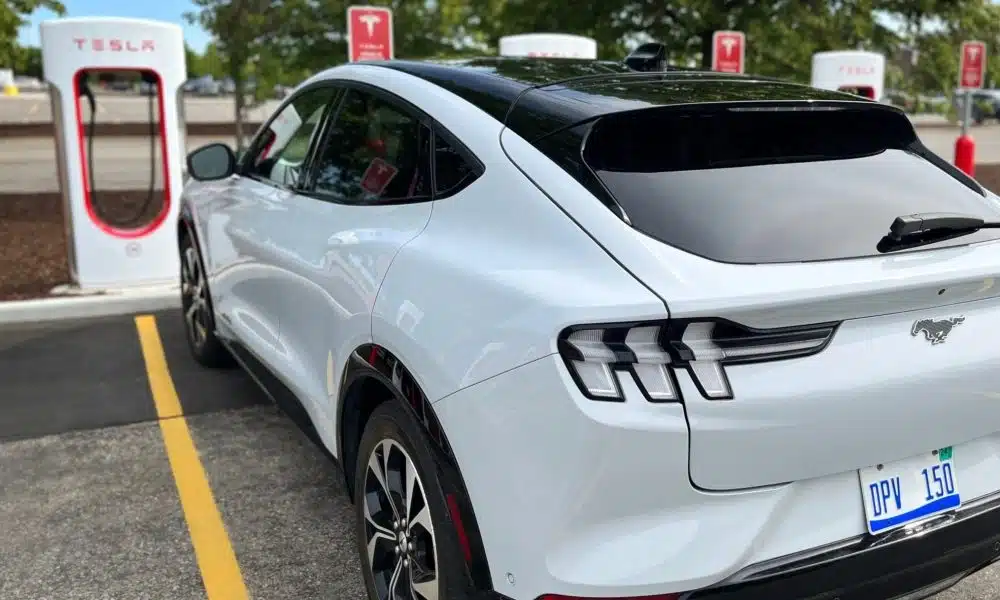
Automakers across the country are aligning behind one plug design to simplify public fast charging for everyone. This industry shift eliminates connector confusion and expands high-speed options for all drivers.
What is NACS and Why Does It Matter?
For years, driving an electric vehicle felt a bit like dealing with incompatible smartphone chargers. Tesla had its own streamlined plug, while almost every other automaker used the Combined Charging System, commonly known as CCS.
The industry eventually realized that having a unified standard makes life easier for everyone. NACS emerged as the clear winner due to its lightweight design and reliability. According to available data, nearly all major automakers agreed to adopt this standard, transforming the landscape of Tesla Supercharger access across North America. For example, drivers researching Honda electric cars can explore how NACS adapters expand access to Tesla’s Supercharger network.
NACS vs. CCS: What’s the Difference?
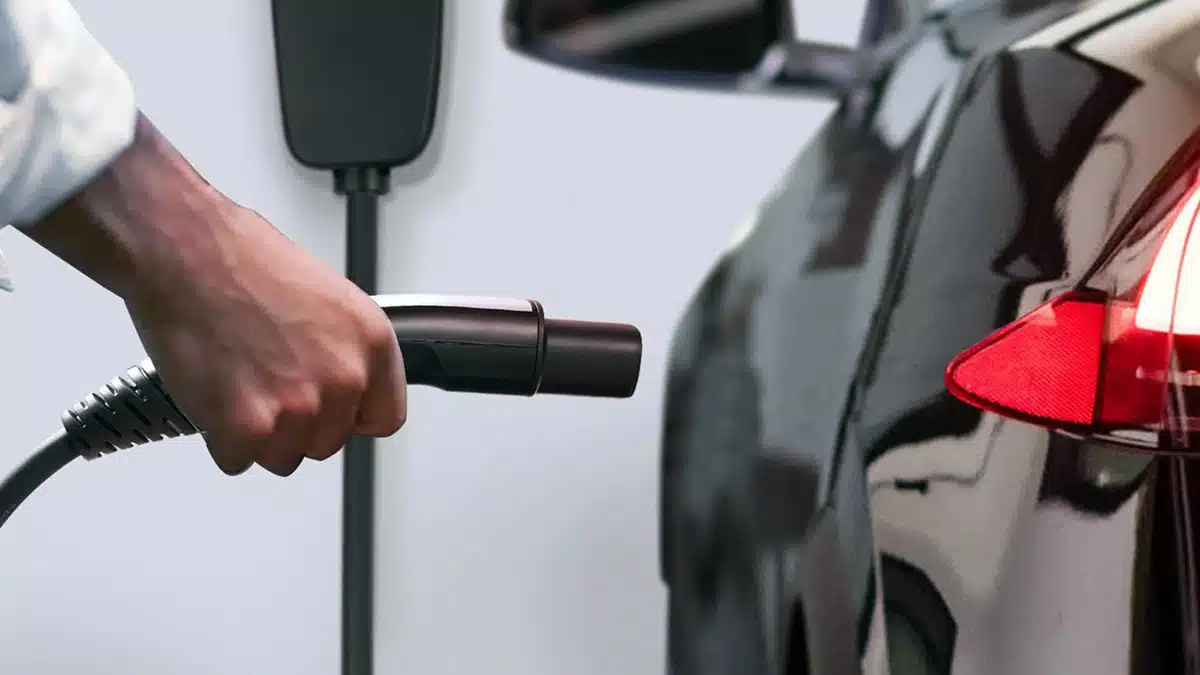
When comparing NACS vs. CCS, the physical differences are pretty striking. The older CCS plug is bulky, heavy, and a bit awkward to handle, especially in freezing winter weather. On the other hand, the NACS plug is sleek, lightweight, and handles both AC home charging and DC fast charging through a single port. Think of it as moving from an old, clumsy plug to a modern, reversible connector.
| Feature | NACS (North American Charging Standard) | CCS1 (Combined Charging System) |
| Plug Size | Compact and lightweight | Bulky and heavy handle |
| Charging Type | Handles both AC and DC natively | Requires separate upper/lower sections |
| Industry Adoption | Universal standard for modern models | Being phased out by major brands |
| Ease of Use | One-handed plug-in | Requires physical locking latch |
Compatibility: Which Cars Can Use Superchargers?
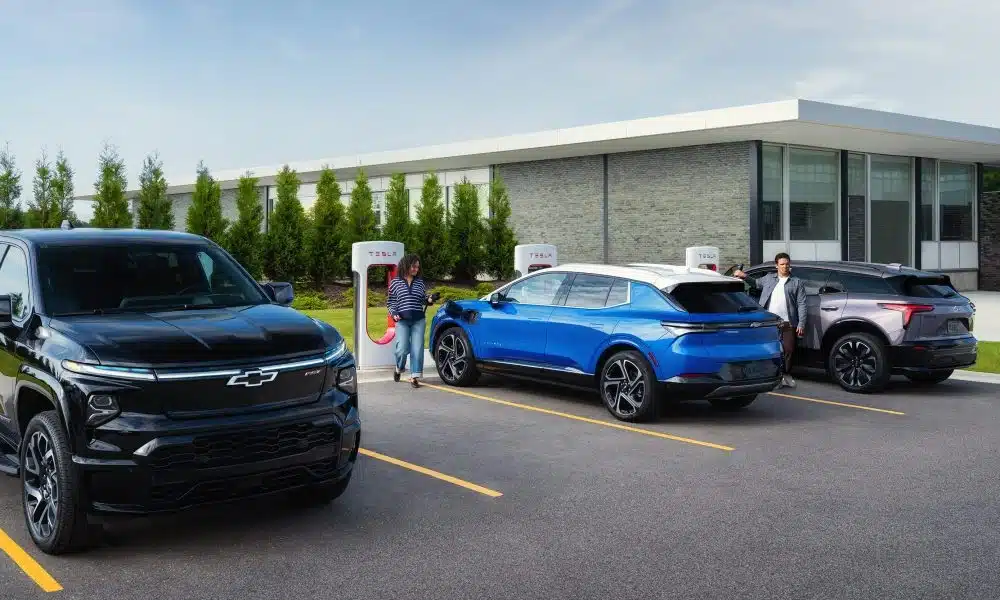
Not every electric vehicle can plug into a Tesla station right away, as access rolls out brand by brand. Knowing your vehicle’s current status ensures a smooth stop whenever you hit the road.
Checking Your Vehicle Model: NACS Adapter
One of the most common questions drivers ask is which cars can use Superchargers right now. The rollout has happened in waves, depending heavily on partnerships between automakers and Tesla.
Brands like Ford and Rivian were among the first to gain official access, followed closely by General Motors, Volvo, Polestar, Hyundai, Kia, and others. If you drive a vehicle from these brands, you can successfully juice up at select Supercharger stalls. However, compatibility depends entirely on whether your specific model year has received software authorization from the manufacturer.
Check your automaker’s official app to verify if your specific VIN is cleared for Supercharging.
Ensure your vehicle’s software is fully updated to support Tesla’s communication protocols.
Look for designated stations open to non-Teslas inside your vehicle’s navigation or the mobile app.
Verify whether your model requires a NACS adapter or features a built-in port.
Unlocking Network Access: Software and Hardware Requirements
Connecting to a fast charger takes more than a physical plug that fits your port. Proper software communication between your vehicle and the charger keeps electrical power flowing safely.
Handshakes and Vehicle Safety of NACS Adapter
Beyond physical plugs, seamless fast charging relies heavily on behind-the-scenes communication between your car and the charger. When you plug into a high-voltage stall using a NACS adapter, your vehicle’s battery management system initiates a digital handshake with the stall hardware.
Without the proper software configuration, the charging post simply will not release power. This safety protocol prevents electrical damage, ensures correct voltage mapping, and authenticates the user account before electricity begins flowing into your battery pack. Understanding EV battery technology also helps explain how battery management systems regulate charging, temperature, and battery safety.
Real-World Charging Speeds and Battery Curves
Every electric vehicle accepts power at different rates depending on its battery architecture and temperature. Understanding these variables helps you set realistic expectations for your highway stops.
Battery Voltages and Environmental Factors
Many drivers assume that connecting to a Tesla station instantly guarantees top-tier charging speeds. In reality, actual speeds are governed primarily by your electric vehicle’s underlying battery architecture.
Vehicles with standard 400-volt systems usually perform very consistently on Superchargers. However, vehicles featuring 800-volt battery architectures might experience capped charging rates depending on how the stall handles voltage conversion. Additionally, cold temperatures or high states of charge will naturally slow down the speed, making preconditioning your battery before arrival an essential strategy for long trips.
Getting Your Hands on a NACS Adapter
Choosing safe hardware is the most important step when bridging the gap to a new charger port. Sticking to tested products protects both your vehicle’s battery and the charger handle.
Choosing Safe and Approved Adapters
If your electric vehicle features a standard CCS port but you want to tap into the Tesla network, you will need to buy or order a physical connector. Wondering about the NACS adapter price? Official units provided directly by automakers typically range from $150 to $230, though prices vary depending on the supplier and build quality.
When shopping for an adapter, safety is everything. Experts strongly recommend sticking to official manufacturer-approved hardware or certified brands like Lectron or A2Z. Cheap, uncertified knockoffs bought online can overheat during high-output fast charging sessions, which could potentially damage your vehicle’s charging port or battery management system. Before choosing an EV for frequent fast charging, you can also explore how the Tesla Supercharger network supports high-speed charging for compatible vehicles.
Brand-Specific Access: Ford and Rivian Pioneers
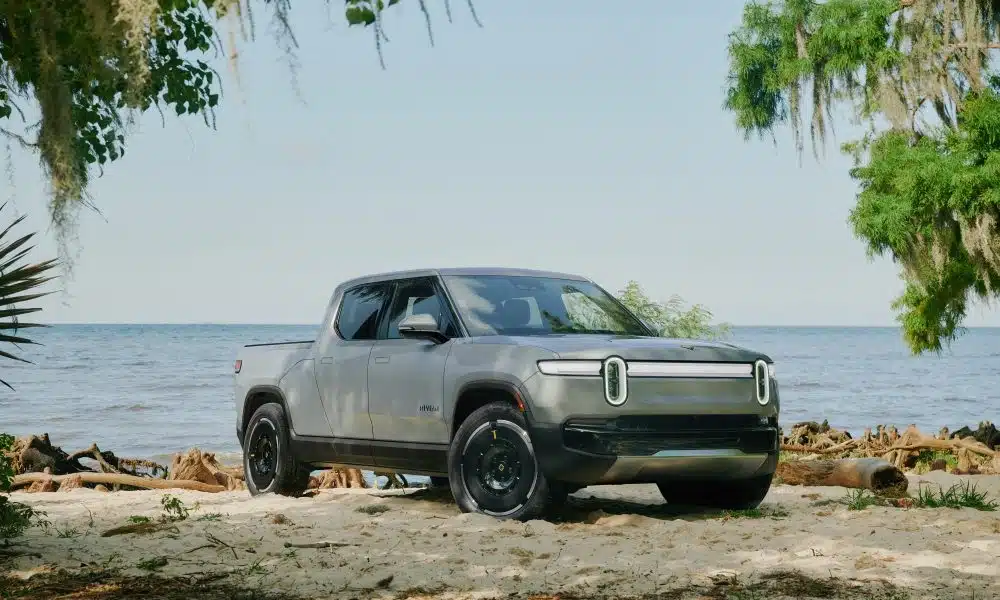
Ford and Rivian led the charge in integrating their vehicles into the broader fast-charging ecosystem. Their early efforts paved the way for seamless plug-and-charge convenience across North America.
Ford Supercharger Access
As a trailblazer in opening up the network, Ford Supercharger Access set the benchmark for the rest of the automotive industry. Owners of the Mustang Mach-E and F-150 Lightning were among the first non-Tesla drivers to experience seamless plug-and-charge convenience.
Eligible Ford owners could request official adapters through their owner portal, making road trips through remote areas significantly less stressful. Using an official NACS adapter ensures full compatibility with the Ford Supercharger access software program.
Rivian NACS Adapter Integration
Similarly, Rivian NACS adoption has moved at a rapid pace. Newer Rivian models roll off the assembly line with native NACS ports built right into the vehicle body. If you own an earlier model year Rivian, you can easily use a manufacturer-approved DC adapter from their gear shop to unlock thousands of fast-charging stalls across the country. Understanding Rivian NACS options helps owners choose between built-in ports and legacy hardware adapters.
Step-by-Step Guide to Charging Your EV
Plugging into a new network is easy once you know the exact steps to follow. Here is a simple walk-through to get power flowing into your battery without any stress.
NACS Adapter Guide
Using a Tesla station for the first time might seem slightly intimidating if you are accustomed to traditional gas pumps or legacy fast chargers. Fortunately, once you complete the initial setup, the actual process becomes second nature.
Download the official Tesla app on your smartphone and set up your payment account.
Open the app to verify station compatibility and select an open charging post.
Attach your NACS adapter securely to the Supercharger cable handle first.
Plug the combined handle firmly into your vehicle’s charge port.
Monitor session initialization on your phone and track live charging speed.
Navigating Cable Reach and Stall Layouts
Different electric vehicles place their charging ports in completely different locations on the vehicle body. Learning how to position your car at the stall prevents awkward parking maneuvers.
Managing Port Locations at Stations
One unexpected hurdle non-Tesla drivers encounter involves physical cable length. Tesla designed its charging stalls specifically for vehicles with rear-left or front-right charge ports.
Because other automakers place charge ports in various locations—such as front-left, rear-right, or front-center—the standard cable might struggle to reach without tricky parking maneuvers. To avoid taking up two spaces or parking awkwardly, look for newer V4 Supercharger stations equipped with significantly longer cables specifically designed for open network access.
Cost Structure and Membership Savings
Fast-charging costs vary by location, but smart planning helps keep your travel budget under control. Understanding pricing models ensures you get the best value on every highway fill-up.
Understanding NACS Adapter Rates
Charging expenses at public fast stations vary based on location, local utility rates, and time of day. Non-Tesla drivers generally pay a higher per-kilowatt-hour rate compared to Tesla owners.
However, frequent road trippers can offset these costs by subscribing to a monthly Tesla charging membership via the mobile app. This optional subscription lowers the per-kWh price to match standard rate structures, allowing high-mileage drivers to recoup the monthly fee after just a few charging sessions each month.
Finding Stations and Hitting the Road
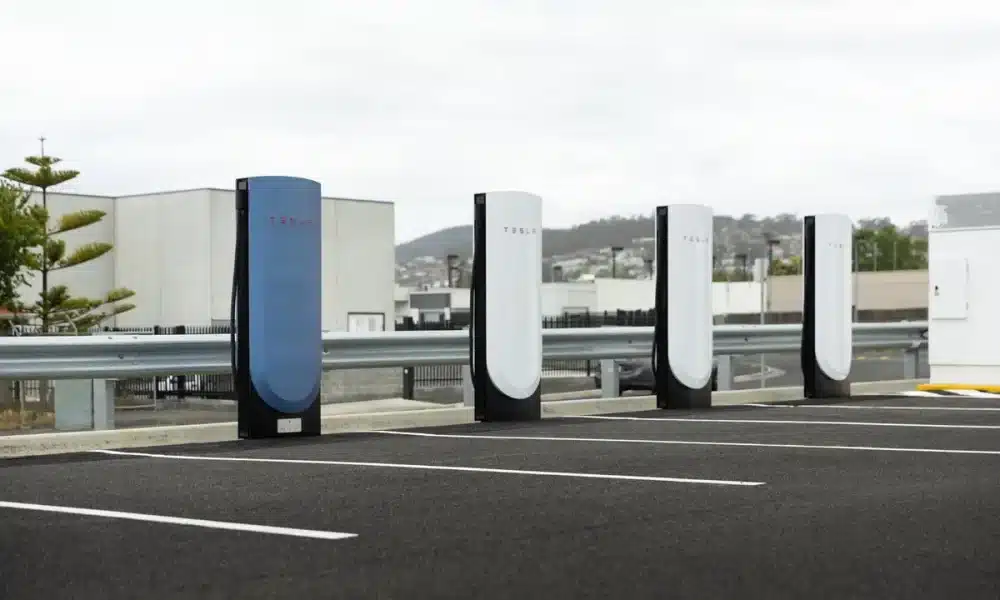
Locating compatible stations in advance keeps your road trips smooth and worry-free. Using mobile apps helps you identify open locations long before your battery runs low.
Locating Open Network Stalls
Planning a long-distance drive requires knowing where the compatible stalls are located. Checking an up-to-date Supercharger network map via the official Tesla mobile app is the best way to avoid compatibility headaches. Not every single Supercharger stall is open to other brands just yet.
Older V2 Supercharger locations often lack the necessary software flexibility to handle non-Tesla communication. Always filter your Supercharger network map settings in the app to display stations that explicitly support your specific vehicle brand.
To make the most of your road trip experience with turboocruiser.com, keep these quick tips in mind:
Download the Tesla app, create an account, and set up your payment method before you leave home.
Always plug the NACS adapter firmly into your car’s charge port first before clicking the Supercharger cable into the connector.
Monitor your charging session directly through your smartphone app for real-time speed and billing updates.
Essential Etiquette at Busy Charging Hubs
Sharing fast chargers with other drivers requires a little mindfulness during busy travel periods. Following basic station etiquette ensures a positive experience for everyone on the road.
Keeping Public Stations Efficient
As fast-charging corridors grow busier during holiday travel periods, practicing proper charging etiquette helps ensure a smooth experience for everyone:
Park as neatly as possible within marked stalls to avoid blocking adjacent handles.
Move your vehicle promptly once charging completes to avoid idle fees charged by the network.
Stop charging around 80% capacity during peak hours, as charging speeds drop significantly after that point.
Always stow cables neatly back onto their holsters when you finish your session.
Conclusion: NACS Adapter Guide
Expanding charger access makes owning an electric vehicle simpler and far more convenient than ever before. Equipping yourself with the right tools ensures you can explore new destinations without worrying about power. Transitioning to a unified charging standard makes everyday electric vehicle ownership much more practical.
By understanding how the NACS adapter bridges the gap between different automotive ecosystems, you can plan your next road trip with total confidence. As infrastructure continues to evolve, range anxiety is becoming a thing of the past. Keep your apps updated, choose certified hardware, and enjoy exploring the open road with turboocruiser.com guiding your way.
FAQs: NACS Adapter Guide
Got questions about charging hardware, app setups, or network compatibility? Here are clear answers to the most common queries drivers have.
Do I need a special app to charge my non-Tesla at a Supercharger?
Yes, you will need to download the official Tesla app on your smartphone, create a user profile, and input your credit card details before initiating a charging session.
Can I use any cheap NACS adapter found online safely?
No, using uncertified third-party adapters is strongly discouraged because high-voltage DC fast charging requires rigorous safety certifications to prevent thermal overload and damage.
Will charging a non-Tesla vehicle take longer than charging a Tesla?
Charging speeds are generally quite comparable, though older 400V architecture vehicles may experience standard charging curves constrained by their own battery management systems.
Are all Tesla Supercharger stations open to other vehicle brands?
No, only select Supercharger locations equipped with modern hardware updates and software compatibility are currently open to non-Tesla electric vehicles.
How much does it cost to fast charge a non-Tesla car?
Pricing varies by location and time of day, and non-Tesla drivers often pay a slightly higher per-kilowatt-hour rate unless they opt into a monthly charging membership plan.